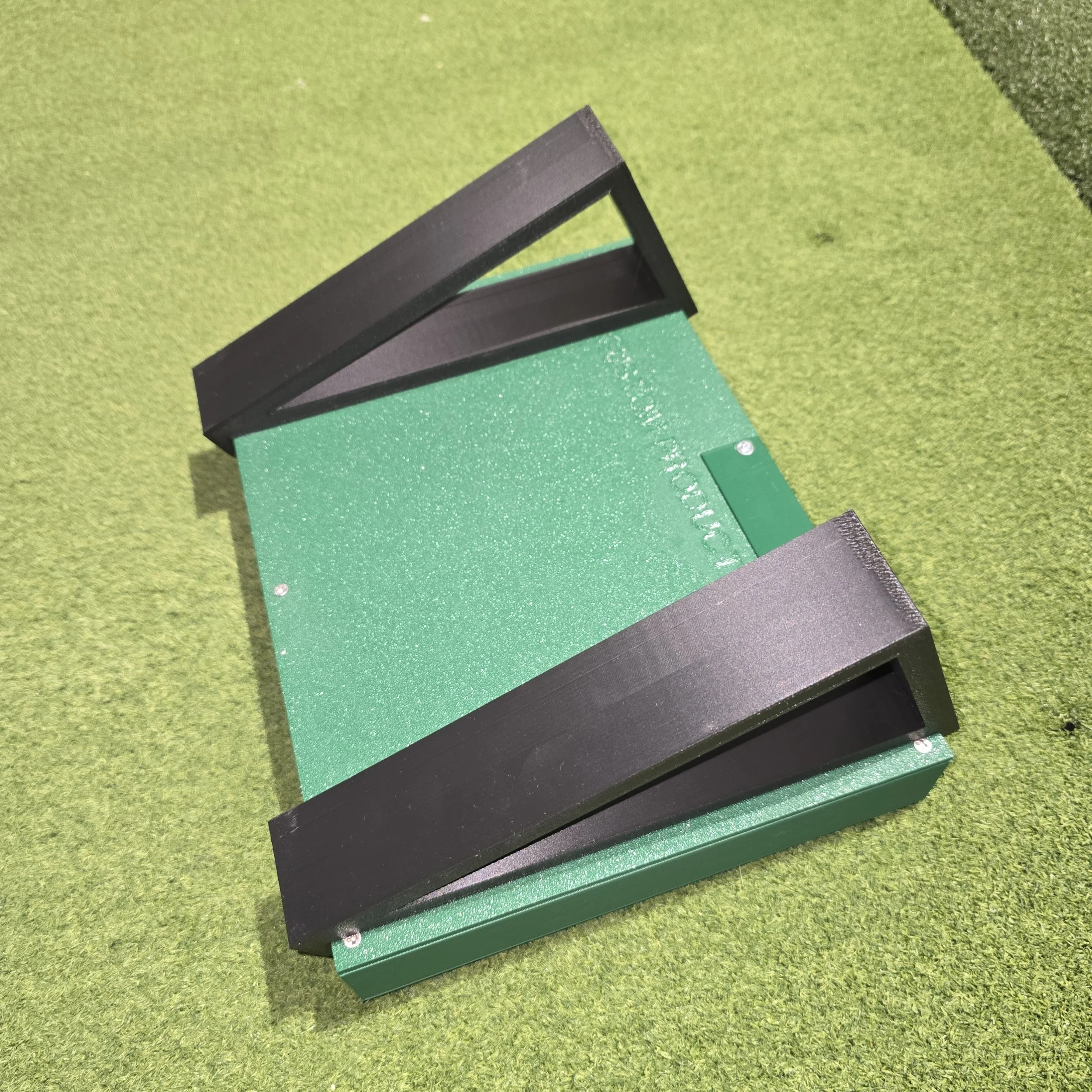
BA Remapper — Free Software for Your BA Custom Control Box
Your control box works the moment you plug it in — every button sends its printed GSPro hotkey with no software at all. BA Remapper unlocks the rest of the panel: the yellow secondary functions, on-screen Smart Clicks, and a hands-free scramble picker. One small download, installs in seconds, free with your box.
The yellow print, working in one click. Open BA Remapper, pick the built-in "Basic Secondary" profile, and every yellow label on your box is live — Clear View, OB Rehit, Move Forward, Move Back, Next Option, and Drop Ball / Rehit. Hold the FN button (Reset Aim) and press. No programming, no setup, nothing to configure.
Smart Clicks — the software reads your screen. Water ball? OB? Hold FN and press the arrow for the option you want. BA Remapper reads GSPro's menu right off the screen and clicks the actual button — at any resolution, any screen size, any Windows scaling. It verifies the whole menu before every click, so it hits the right button every time or simply tells you the menu isn't up. Powered by the OCR engine already built into Windows 10 and 11 — nothing extra to install, and nothing ever leaves your PC.
Auto-Pick Scramble. Playing a scramble? Turn on Auto-Pick and BA Remapper watches for the shot-select cards, counts down on screen (you choose 5–20 seconds), and picks the best ball automatically. It thinks like a golfer: the fewest-strokes ball first — so a penalty drop never steals the pick just by being closer — then a ball on the green always wins, then shortest distance. Anyone can still grab a card manually and the countdown just cancels.
Make it yours. Build your own profiles in a window that looks exactly like your box — assign any GSPro hotkey (including scramble Select Shot 1–4), any Smart Click, or teach your own click positions. Everything saves automatically. Set it to start with Windows and it runs silently in the tray with mapping on — your sim boots ready and nobody ever thinks about it again.
Getting started
Add to cart (it's free) and download the zip file.
Unzip it and run the Setup. If Windows shows a SmartScreen message, click "More info," then "Run anyway" — this appears once because the app is new to your PC.
Follow the installer — check "Start BA Remapper with Windows" and your sim boots ready every time. BA Remapper installs like any normal program, shows up in Add/Remove Programs, and keeps your settings safe through updates and reinstalls.
Pick "Basic Secondary" from the profile dropdown, press Turn ON, and play.
Requires Windows 10 or 11 and GSPro. Windows 11 users with Smart App Control enabled: Windows may block new apps entirely — reach out and we'll walk you through it in two minutes.
Prefer a portable version with no installer, or want to read the source code and verify your download? Everything's published on our GitHub: github.com/DiyGolfGuy/BA-Remapper
Questions or something not clicking right? Email bacustomproducts@gmail.com — the app includes a one-button OCR Test that creates a small report file, and sending that along usually gets you a same-day fix.
BA Remapper — Free Software for Your BA Custom Control Box
Your control box works the moment you plug it in — every button sends its printed GSPro hotkey with no software at all. BA Remapper unlocks the rest of the panel: the yellow secondary functions, on-screen Smart Clicks, and a hands-free scramble picker. One small download, installs in seconds, free with your box.
The yellow print, working in one click. Open BA Remapper, pick the built-in "Basic Secondary" profile, and every yellow label on your box is live — Clear View, OB Rehit, Move Forward, Move Back, Next Option, and Drop Ball / Rehit. Hold the FN button (Reset Aim) and press. No programming, no setup, nothing to configure.
Smart Clicks — the software reads your screen. Water ball? OB? Hold FN and press the arrow for the option you want. BA Remapper reads GSPro's menu right off the screen and clicks the actual button — at any resolution, any screen size, any Windows scaling. It verifies the whole menu before every click, so it hits the right button every time or simply tells you the menu isn't up. Powered by the OCR engine already built into Windows 10 and 11 — nothing extra to install, and nothing ever leaves your PC.
Auto-Pick Scramble. Playing a scramble? Turn on Auto-Pick and BA Remapper watches for the shot-select cards, counts down on screen (you choose 5–20 seconds), and picks the best ball automatically. It thinks like a golfer: the fewest-strokes ball first — so a penalty drop never steals the pick just by being closer — then a ball on the green always wins, then shortest distance. Anyone can still grab a card manually and the countdown just cancels.
Make it yours. Build your own profiles in a window that looks exactly like your box — assign any GSPro hotkey (including scramble Select Shot 1–4), any Smart Click, or teach your own click positions. Everything saves automatically. Set it to start with Windows and it runs silently in the tray with mapping on — your sim boots ready and nobody ever thinks about it again.
Getting started
Add to cart (it's free) and download the zip file.
Unzip it and run the Setup. If Windows shows a SmartScreen message, click "More info," then "Run anyway" — this appears once because the app is new to your PC.
Follow the installer — check "Start BA Remapper with Windows" and your sim boots ready every time. BA Remapper installs like any normal program, shows up in Add/Remove Programs, and keeps your settings safe through updates and reinstalls.
Pick "Basic Secondary" from the profile dropdown, press Turn ON, and play.
Requires Windows 10 or 11 and GSPro. Windows 11 users with Smart App Control enabled: Windows may block new apps entirely — reach out and we'll walk you through it in two minutes.
Prefer a portable version with no installer, or want to read the source code and verify your download? Everything's published on our GitHub: github.com/DiyGolfGuy/BA-Remapper
Questions or something not clicking right? Email bacustomproducts@gmail.com — the app includes a one-button OCR Test that creates a small report file, and sending that along usually gets you a same-day fix.

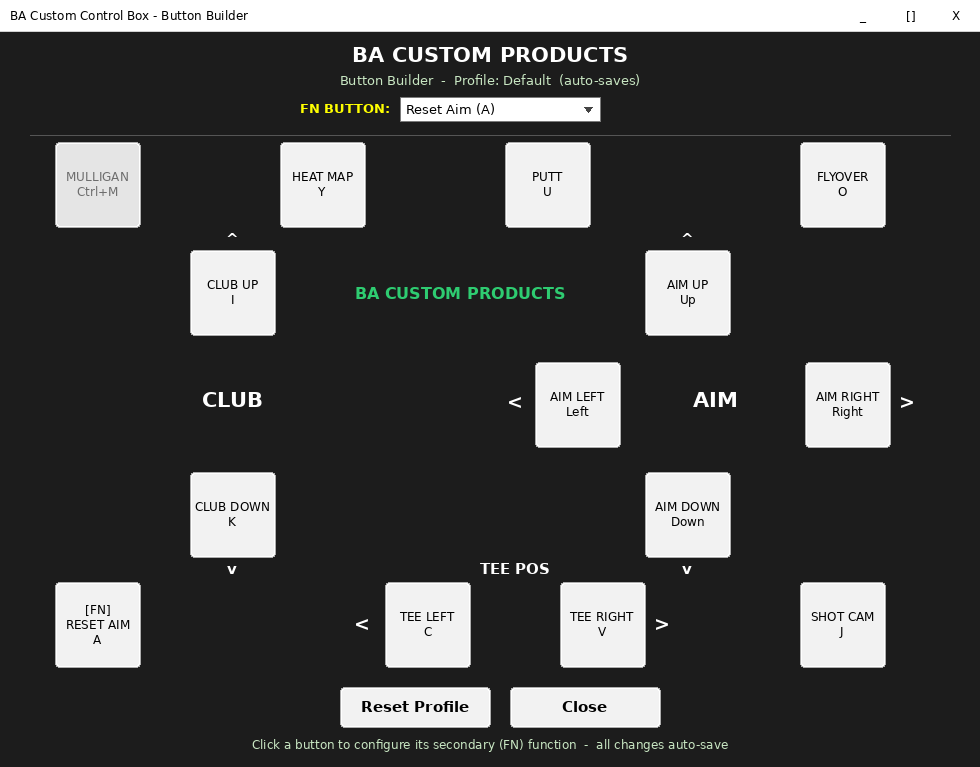 Image 1 of 3
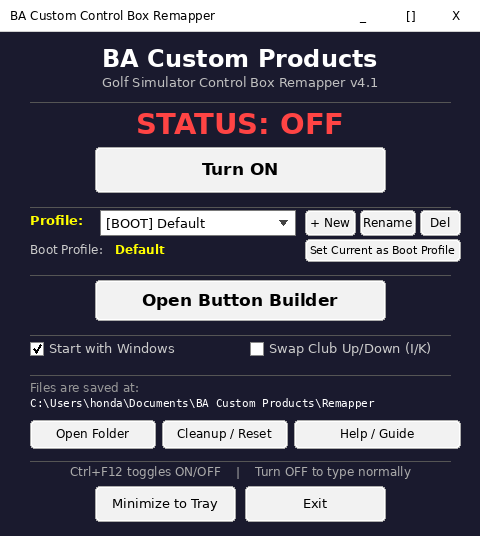 Image 2 of 3
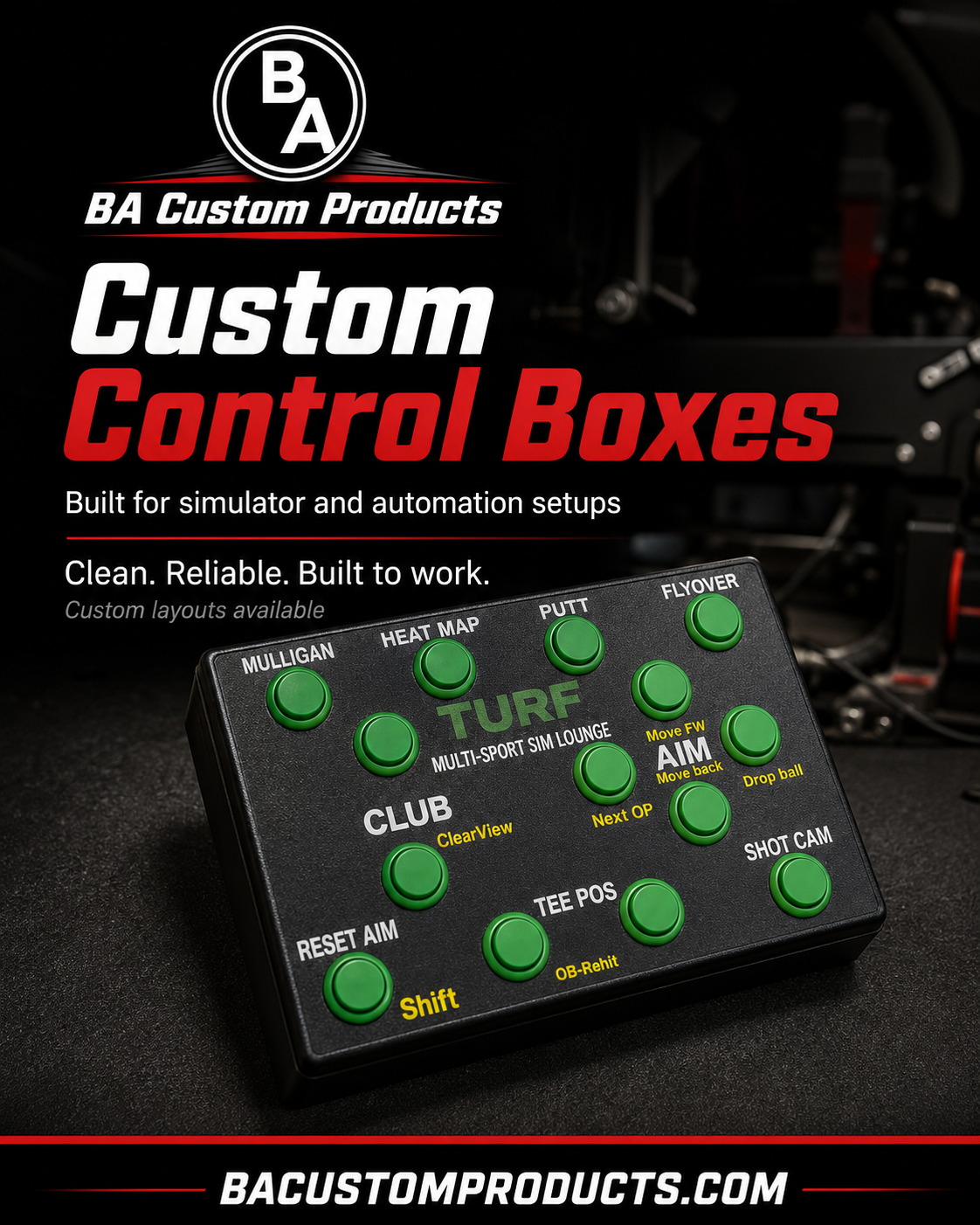 Image 3 of 3