
 Image 1 of 4
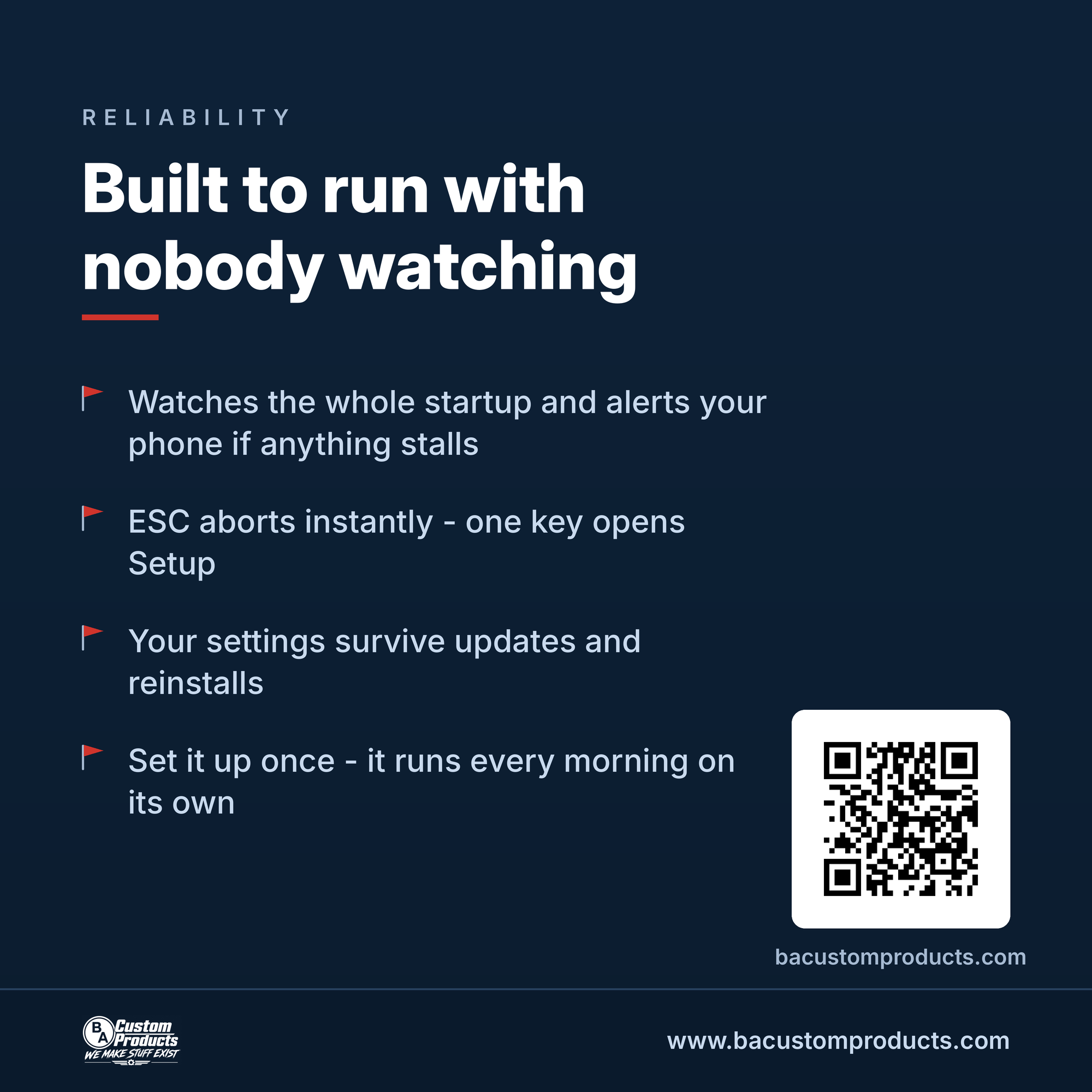 Image 2 of 4
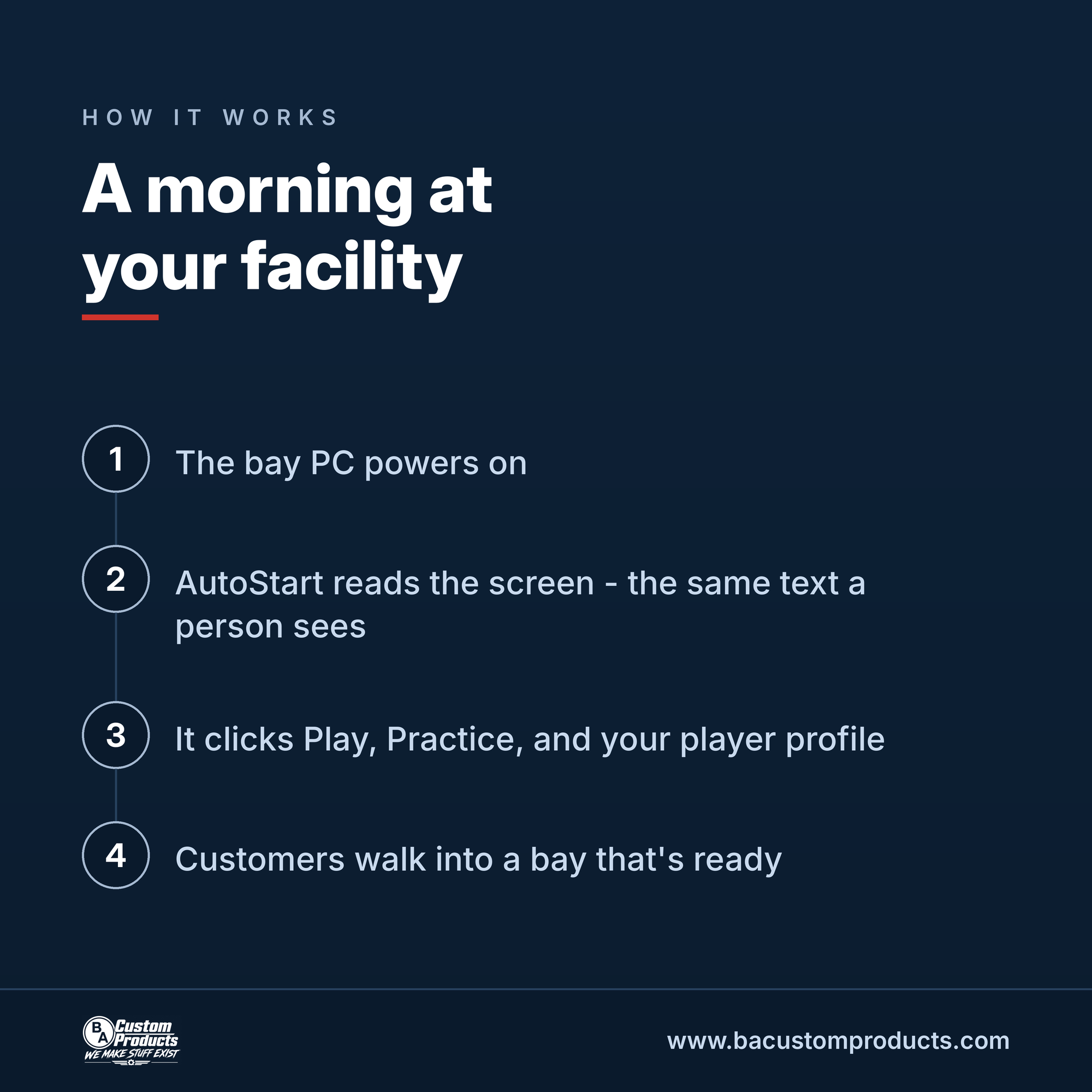 Image 3 of 4
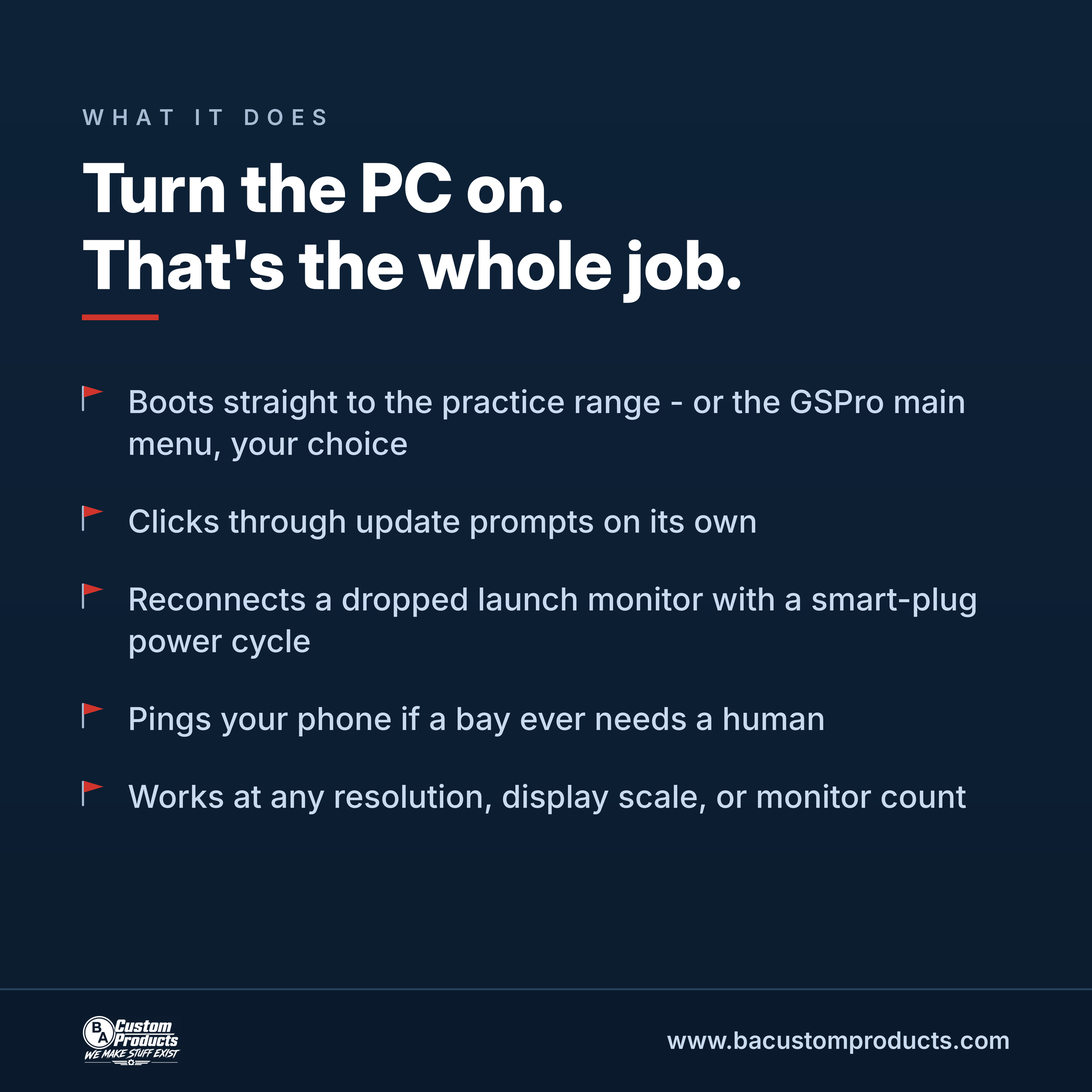 Image 4 of 4
Turn the bay PC on. That's the whole job.
ProTee AutoStart runs when your sim PC boots and handles the morning routine on its own: it clicks through update prompts, presses Play, and leaves the bay at the practice range – or the GSPro main menu, your choice – before your first customer walks in.
It reads the screen using the OCR built into Windows – the same text a person sees – so it works at any resolution, any display scale, and any number of monitors. Nothing to measure or calibrate.
If your launch monitor fails to connect, AutoStart can power-cycle it through a Shelly smart plug and retry. If anything stalls, it can ping your phone through a webhook. ESC aborts instantly, and one key opens Setup.
What's in the download:
– Windows installer with an optional start-with-Windows setting
– Quick-start README
– Start Menu shortcuts and a clean uninstaller (your settings are kept)
Requirements: Windows 10 or 11 and GSPro. The Shelly smart plug is optional and only needed for connection recovery.
From BA Custom Products – www.bacustomproducts.com
Note: Windows may show a SmartScreen prompt on first run since the installer isn't code-signed yet. Click "More info", then "Run anyway".
Turn the bay PC on. That's the whole job.
ProTee AutoStart runs when your sim PC boots and handles the morning routine on its own: it clicks through update prompts, presses Play, and leaves the bay at the practice range – or the GSPro main menu, your choice – before your first customer walks in.
It reads the screen using the OCR built into Windows – the same text a person sees – so it works at any resolution, any display scale, and any number of monitors. Nothing to measure or calibrate.
If your launch monitor fails to connect, AutoStart can power-cycle it through a Shelly smart plug and retry. If anything stalls, it can ping your phone through a webhook. ESC aborts instantly, and one key opens Setup.
What's in the download:
– Windows installer with an optional start-with-Windows setting
– Quick-start README
– Start Menu shortcuts and a clean uninstaller (your settings are kept)
Requirements: Windows 10 or 11 and GSPro. The Shelly smart plug is optional and only needed for connection recovery.
From BA Custom Products – www.bacustomproducts.com
Note: Windows may show a SmartScreen prompt on first run since the installer isn't code-signed yet. Click "More info", then "Run anyway".